


BSC300T
Service & Benefits
Free Shipping on Most Orders
Enjoy free shipping on most eligible orders at iGPSPORT. Shipping fees may apply to certain destinations or orders that do not meet the free shipping requirements. Any applicable shipping costs will be displayed at checkout. Learn More ›
Ships Within 24 Hours
We aim to ship your order within 24 hours on business days, so you can get your cycling gear sooner. Learn More ›
Delivery in 2–5 Days
Your order is typically delivered within 2–5 days after shipping. Actual delivery times may vary depending on your location and local carrier conditions. Learn More ›
15-Day Return Policy
Shop with confidence at iGPSPORT. Not completely satisfied with your purchase? You can request a return within 15 days of delivery. Items must be unused, unactivated, and in their original condition, with all packaging and accessories included. Return shipping fees may apply. Learn More ›
Easy Returns
Simply request a return through your customer account or contact us at support@igpsport.com. We'll review your request within 2 business days and provide return instructions once approved. Learn More ›
Refund Processing
Once approved, refunds are issued to your original payment method, typically within 7–14 business days, depending on your bank or payment provider. Learn More ›
Frequently bought together


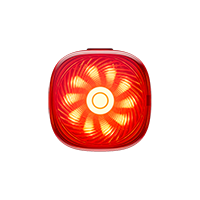
 SR mini
×1
79,90€
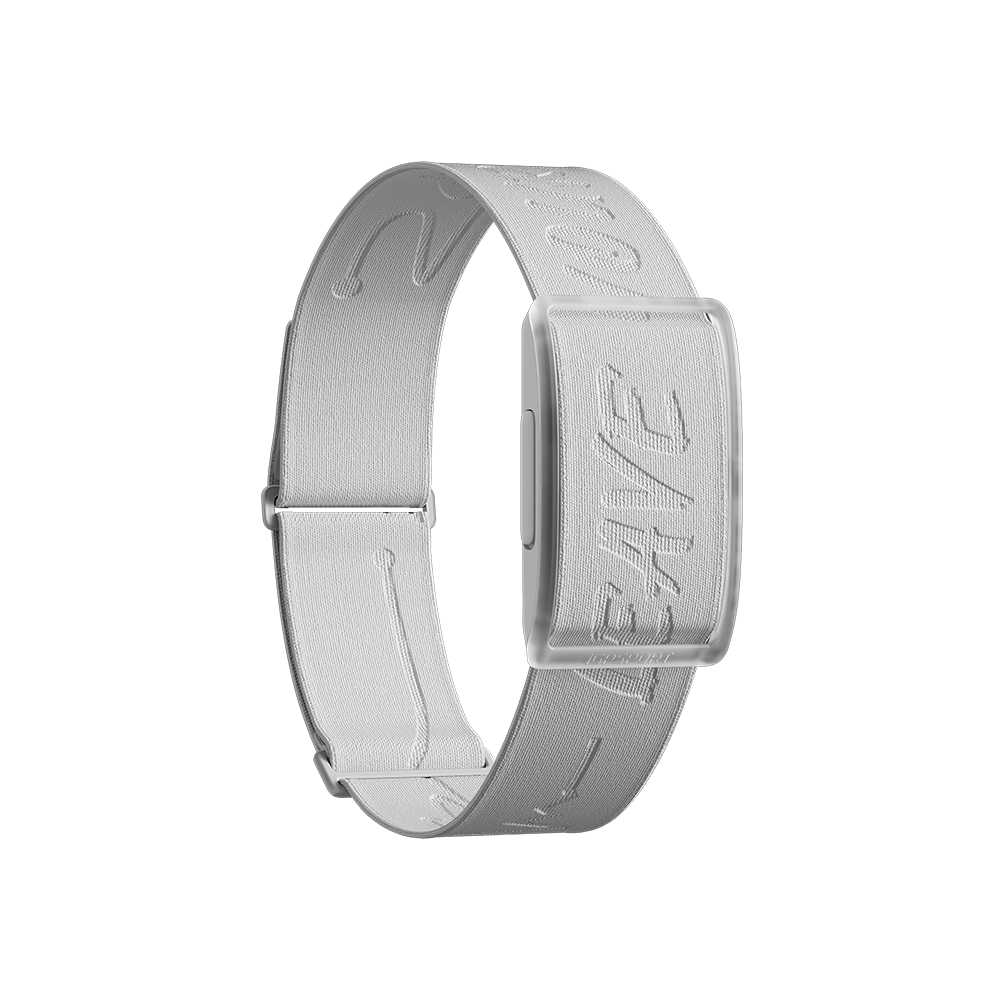
 HR50
×1
29,90€
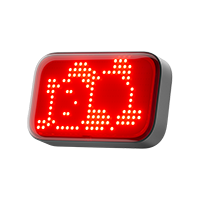
 TL50
×1
24,90€


iGPSPORT BSC300T
Small. Ride Ready.
Compact Size. More Ride Options.


Small Bicycle Computer, 67g
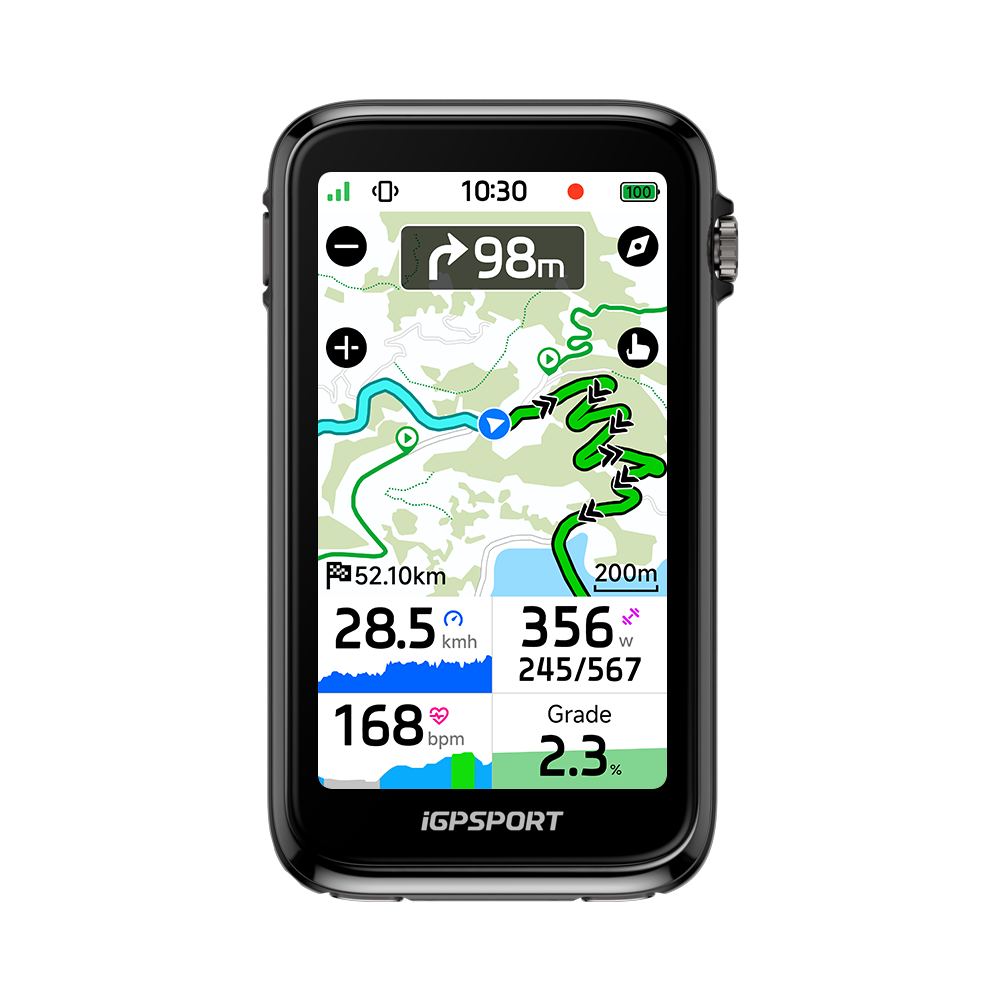
14.1mm slim, aerodynamic design to reduce drag, with 23-hour battery life.


2.4-Inch Color Touchscreen
Six buttons and responsive touch control, with IPX7 rain resistance.


Color Maps for Confident Rides
Turn and off-course alerts plus phone-App voice for commutes and long rides.


Fast Five-System GNSS Fixes
GPS, BeiDou, GLONASS, Galileo and QZSS: accurate in cities and forests.


20+ Smart Riding Functions
Radar rear-traffic alerts, calls, messages, weather and fueling reminders.


iGPSPORT Live Track Sharing
Share your location with friends and family in real time through Live Track.


Radar Alerts and Smart Lights
Use iGPSPORT headlights and taillights; see rear-traffic alerts via radar.


Strava, Komoot, Ride with GPS Routes
Sync routes. Analyze in-App. Share: TrainingPeaks, Strava, Komoot, Insta360.
Touch control, low weight and lasting power
Compact Design for Daily Miles


The 2.4-inch color touchscreen stays readable in sunlight. Use six buttons or touch controls, with automatic backlight for day and night rides.
At 14.1mm and 67g, this small bicycle computer has an aerodynamic shape to reduce drag. IPX7 water resistance handles rain and sweat on your ride.
Ride for up to 23 hours and recharge in 2 hours. Power-saving mode extends runtime further, helping you prepare for longer rides with fewer charging stops.
See the Map. Find Your Route.
Global maps and navigation from your App


Full Color Maps, Beyond a Route Line
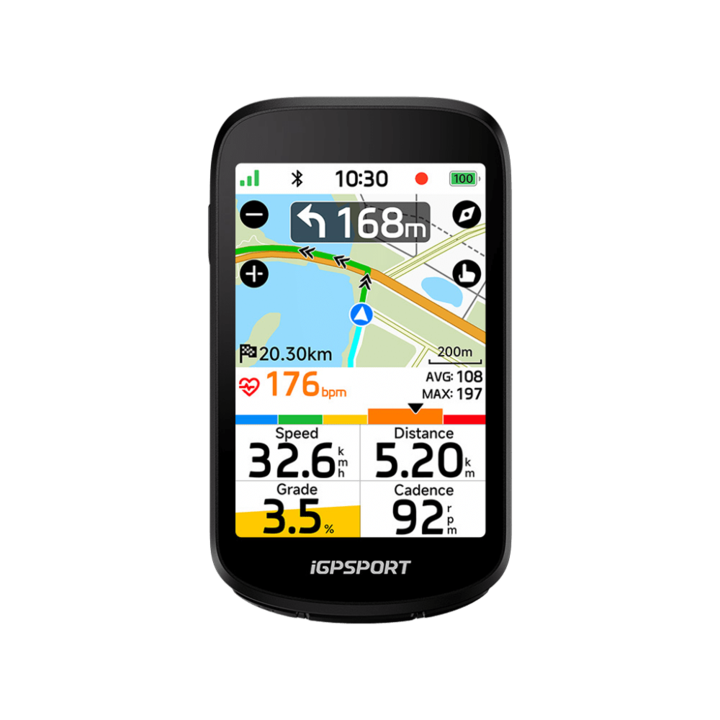
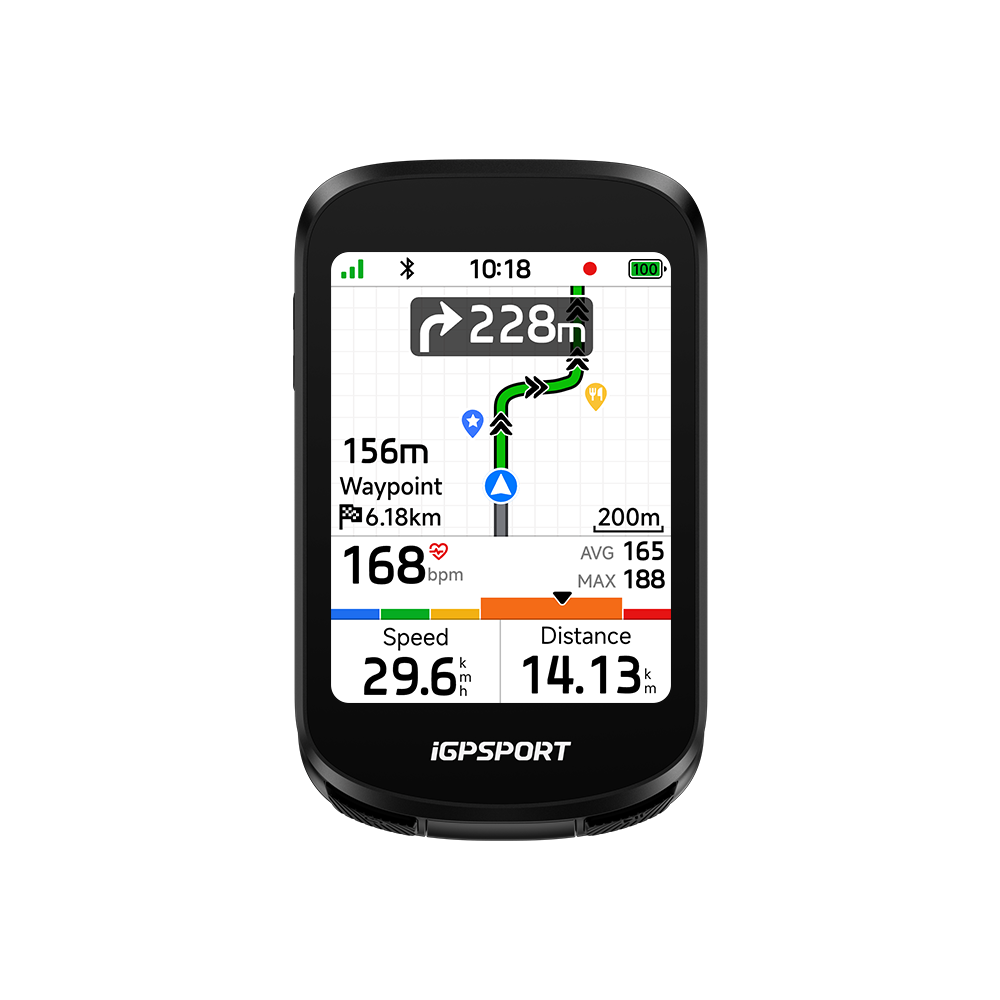
See your position, nearby roads and planned route on built-in global OpenStreetMap maps, available offline. Zoom in or out, set north-up view and use auto zoom with road-name overlays. Map settings help you read the route your way.


Search in the App. Navigate in One Tap.
Search a destination on the online map in the iGPSPORT App, then send it to BSC300T in one tap. Follow turn directions, map road names and remaining distance on screen as you ride.


Online App Rerouting
Online Rerouting After a Wrong Turn
An off-course alert flags a missed route. With the connected phone App online, rerouting creates new guidance to get you back on track. Built-in offline maps remain available, but offline rerouting is not supported.


Five Satellite Systems
Fast, Accurate Five-System GNSS
A high-performance GNSS chip uses GPS, BeiDou, GLONASS, Galileo and QZSS for quick, accurate positioning in cities and forests. Five satellite systems help you keep an accurate track across varied outdoor terrain.


Create and Sync Routes
4.5 Million Routes Ready to Explore
Browse 4.5 million ride-ready routes, create your own in the iGPSPORT App or sync routes from Komoot, Strava and Ride with GPS. Find a route for a city ride or your next outdoor adventure.
Choose the metrics that matter to your ride
Ride Data, Arranged Your Way


With compatible sensors, view 130+ data fields in 15 categories: speed, heart rate, cadence, power, gradient, elevation gain and calories.
Choose from 12 page templates and nine data pages. Customize ride modes and data pages through the App, with theme styles and colors to suit your ride.
Train Indoors with BSC300T
Your Indoor Training Companion
Bring Your Workouts to a Smart Trainer
Use this bike computer for indoor training with a compatible smart trainer. Import training-plan workouts from the iGPSPORT App and choose grade, target power or resistance mode to focus on your session.


View speed, cadence, heart rate and power during training with compatible connected sensors. Sync training data to TrainingPeaks for more detailed analysis.
Build Your Connected Ride
Sensors, watch sharing and App ride tools


Connect Your Riding Devices
Pair speed, cadence and heart rate sensors, an ANT+ power meter, a smart trainer, Shimano Di2, an E-bike, radar or compatible iGPSPORT smart lights. Choose the devices that fit your riding and training needs.


GPLink: Lights, Radar and Watch
Control compatible front and rear lights from BSC300T; view lighting mode and battery level live. A red warning bar appears when the radar taillight detects traffic behind you. Connect your watch to share heart rate with the computer and receive upcoming-turn alerts on your wrist.


Manage Rides in the iGPSPORT App
Automatically sync ride data and explore clear visual analysis in the iGPSPORT App. Manage routes and training, with cloud connectivity to keep your ride records and plans together.
Share your location, alerts and ride data
Stay Connected on Every Ride


Share your riding location in real time with friends and family through iGPSPORT Live Track, so they can follow your progress while you ride.
Pair your phone to see calls, texts and social notifications on screen. Drink and fueling reminders help you keep track of hydration and energy.
Sync routes and ride data with Strava, Komoot and Ride with GPS. Use your ride data with Insta360 and DJI Mimo for sharing your cycling experiences.
You might also like
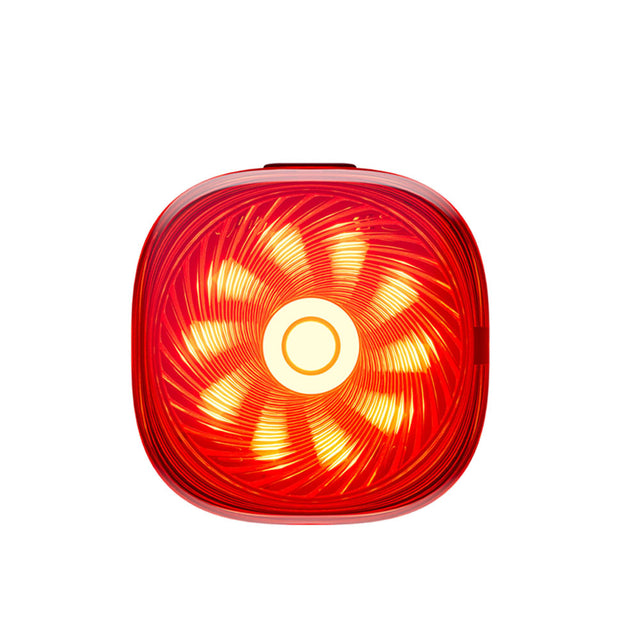
TL50
【Temporary parking, Taillights automatically flash】——When temporarily parking, the tail...
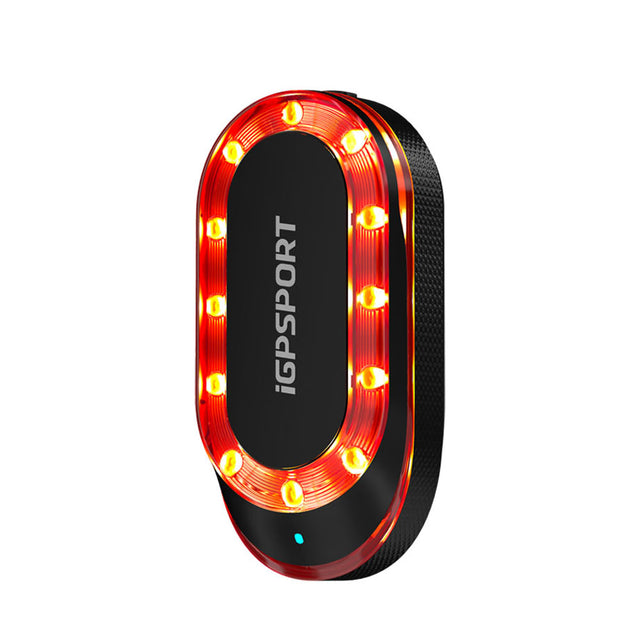
SR mini
【8 Targets at Most】- The radar can monitor up to 8 targets simultaneously. The side of ...

VS1200S
【Guarding Your Night Riding】 - The 1200 lumen bicycle headlight uses the professional T...

HR50
【Lightweight and Shining Debut】- At just 10.1mm thin, it feels almost invisible to wear...

CAD70
Il sensore di cadenza CAD70 ti aiuta a trovare la cadenza ottimale, rendendo il ciclism...

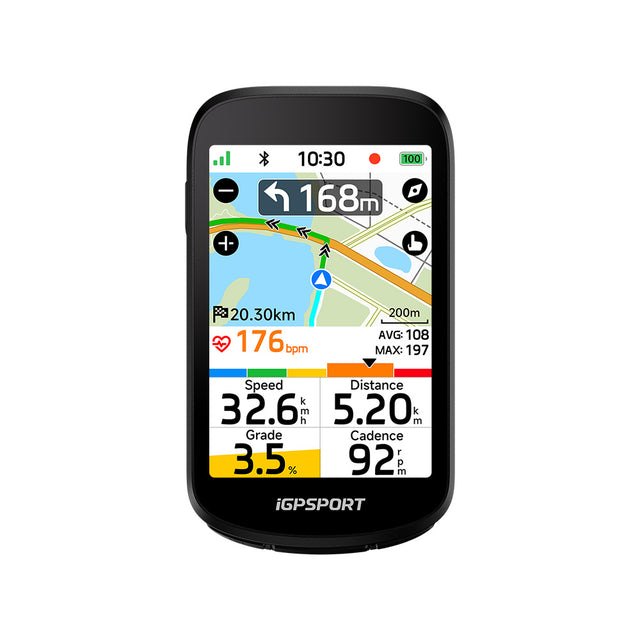
Specs & Comparison
Compare
What's in the Box
Device Only
- BSC300T ×1
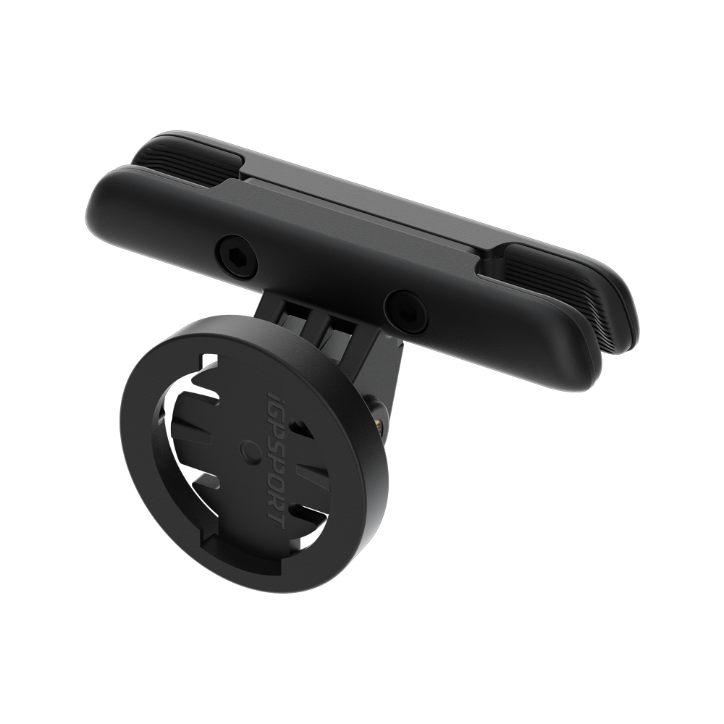
- Standard Bike Mount ×1
- Rubber Band ×2
- User Manual ×1
Bundle
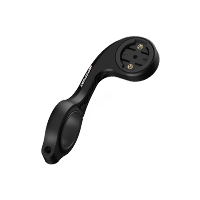
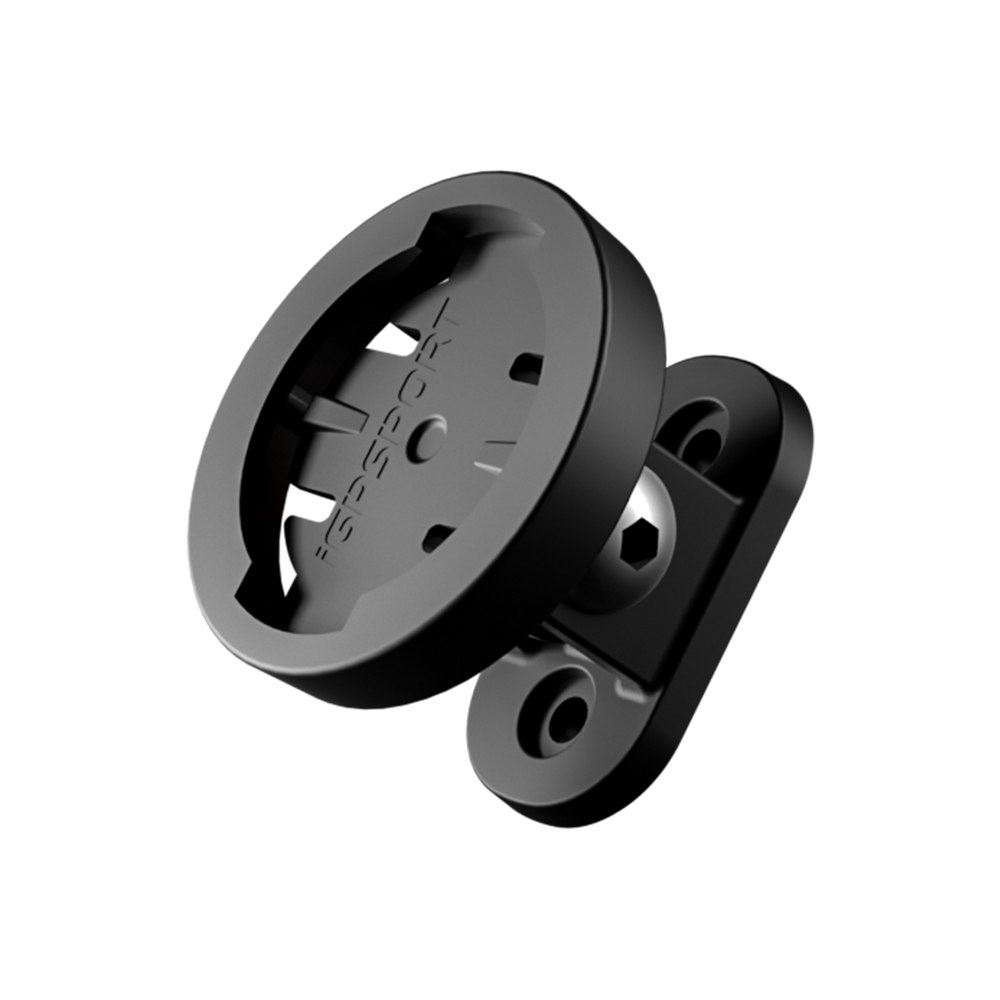
- BSC300T+M80 Mount
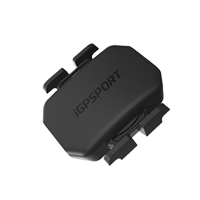
- BSC300T+M80 Mount+CAD70 Cadence Sensor
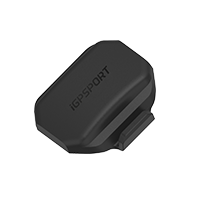
- BSC300T+M80 Mount+CAD70 Cadence Sensor+SPD70 Speed Sensor
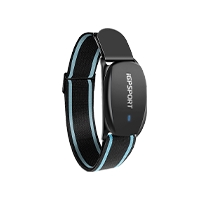
- BSC300T+M80 Mount+CAD70 Cadence Sensor+SPD70 Speed Sensor+HR50 Heart Rate Monitor
- BSC300T+M80 Mount+CAD70 Cadence Sensor+SPD70 Speed Sensor+HR70 HearRate Monitor
- BSC300T+M80 Mount+SRmini Radar Tailight
- BSC300T+M80 Mount+VS1200S Headlight
- BSC300T+M80 Mount+TL50 Taillight
FAQs
Which languages does BSC300T support?
BSC300T supports 12 languages: German, English, Spanish, French, Italian, Polish, Portuguese, Russian, Simplified Chinese, Traditional Chinese, Japanese, Korean.
What are the functions of the bike computer’s buttons?
Power button:
1. Power button - short press to turn on/long press to turn off;
2. Shortcut key to enter the status page;
Return button:
1. Zoom button on the map page
Left button:
1. Lap button on the ride page;
2. Shortcut key for settings on the homepage.
Right button:
1. Shortcut key to enter the ride page;
2. Start activity/Pause activity on the ride page;
Upper right button
1. Confirm button;
2. Shortcut key for menu;
Middle button on the right side: Upward button.
Bottom button on the right side: Downward button.
How to create a road book?
Roadbooks can be created in four ways: riding activities, APP, official webpage, and third-party APP import.
- Riding Activities:
Open any activity in iGPSPORT APP, click the icon in the upper right corner, and select Save as My Roadbook to complete.
- APP:
1. Open iGPSPORT APP>My>My Roadbook;
2. Click the "+" in the lower right corner to select Amap to create a road book;
3. Enter the name of the starting point in the search bar above to confirm and enter the map, click to set it as the starting point;
4. Enter the name of the destination in the search bar again to confirm and enter the map, click to set it as the destination;
5. The APP pops up the planning route of the roadbook. After confirming that it is correct, click Save > Confirm. The APP will then complete the roadbook creation.
- Official webpage:
Open the official website https://www.igpsport.com to log in, click Roadbook > Create Roadbook to enter the map page.
1. Select the starting point on the map and click the left button of the mouse to confirm the starting point;
2. Select the end point on the map and click the left button of the mouse to confirm the end point;
3. If you need to add a waypoint, you can select a location on the map and click the left button of the mouse to confirm. If you need to delete this waypoint, place the cursor at the waypoint and double-click to delete the waypoint when a cross mark appear.
4. When you are satisfied with the created road book, click [Save] on the page. Enter the title and description of the roadbook, select the type of roadbook, and click [Upload Roadbook] to complete the creation.
5. After saving successfully, you can see this roadbook, or you can find it in the [My Roadbook] list.
- Third-party APP import:
Open iGPSPORT APP>My>My Roadbook, click the "+" in the lower right corner to choose to import the third-party roadbook. If Strava or komoot is authorized successfully, you can synchronize the roadbook produced by Strava or komoot into My Road Book in iGPSPORT APP.
How to set alerts?
After connecting BSC300T to the APP, open Device Settings > More > Alerts Settings. It includes time, riding distance, calories, speed, heart rate, cadence, power, drink and eat, which can be set by users according to their own needs. Thus ride properly and train properly, and replenish energy in time.
For example, the user has a 100-kilometer riding training plan. The riding speed does not exceed 35km/h, the heart rate does not exceed 160bpm, the cadence does not exceed 90rpm, and the user need to take a short rest every 30 kilometers. Alerts can help users ride as planned.
Users can set alerts according to their own conditions:
speed (XX~35)
heart rate (XX~160)
cadence (XX~90)
riding distance (30km)
How to use the real-time tracking function?
The real-time tracking function of BSC300T needs to be connected to iGPSPORT APP to use. Open Device Functions > More >Real-time Tracking.
1. After BSC300T starts recording, click "Real-time Tracking" on the APP.
2. Click "More" in the lower right corner of the real-time tracking interface to send your link to your friends;
3. Friends who click on your link can view your riding data and know your current location;
4. The link can be viewed within 24 hours after the real-time tracking ends.
Note:
a. Some mobile phones may delete running programs when the screen is turned off. It is recommended to optimize the battery whitelist settings;
b. Background running permission settings enable auto-start management to avoid problems such as straightening of the track or inaccurate mileage while riding.
What sensors can BSC300T connect to?
The BSC300T supports the connection of 11 types of sensors: heart rate,
cadence, speed, power, speed and cadence, indoor trainer, electronic shifting , Di2, radar, bike light, and E-Bike sensors.
How to sync data from BSC300T to Strava/Training Peaks?
To ensure successful synchronization of data from the bike computer to Strava, please confirm the following steps:
1. Authorize data synchronization to Strava/Training Peaks in the iGPSPORT APP.
Open the APP > My > Linked Third-party Apps, where Strava/Training Peaks authorization with the iGPSPORT APP will be indicated by a green checkmark (√).
2. Ensure that the bike computer data is successfully uploaded to the iGPSPORT APP.
Data from the BSC300T must be successfully uploaded to the iGPSPORT APP before it can be synchronized with Strava/Training Peaks.
If you encounter a situation where the data is not syncing to Strava/Training Peaks despite successful binding:
1. Initiate a re-binding process and wait for 30 minutes to allow for successful data upload, as it might be a caching issue.
If data is still not syncing to Strava/Training Peaks, please contact service@igpsport.com to troubleshoot.
