


BSC100S
Service & Benefits
Free Shipping on Most Orders
Enjoy free shipping on most eligible orders at iGPSPORT. Shipping fees may apply to certain destinations or orders that do not meet the free shipping requirements. Any applicable shipping costs will be displayed at checkout. Learn More ›
Ships Within 24 Hours
We aim to ship your order within 24 hours on business days, so you can get your cycling gear sooner. Learn More ›
Delivery in 2–5 Days
Your order is typically delivered within 2–5 days after shipping. Actual delivery times may vary depending on your location and local carrier conditions. Learn More ›
15-Day Return Policy
Shop with confidence at iGPSPORT. Not completely satisfied with your purchase? You can request a return within 15 days of delivery. Items must be unused, unactivated, and in their original condition, with all packaging and accessories included. Return shipping fees may apply. Learn More ›
Easy Returns
Simply request a return through your customer account or contact us at support@igpsport.com. We'll review your request within 2 business days and provide return instructions once approved. Learn More ›
Refund Processing
Once approved, refunds are issued to your original payment method, typically within 7–14 business days, depending on your bank or payment provider. Learn More ›
Frequently bought together


 TL50
×1
24,90€
 VS500
×1
39,90€
Simple Rides. Clear Data.


Small Body, Long Riding Days
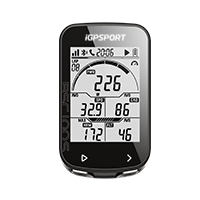
14.9mm, 67g; 40h; a low-drag aerodynamic body, one less cable.


Simple Buttons, Clear Outdoor Data
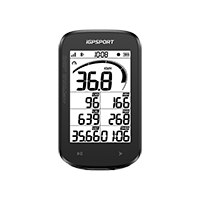
2.6-inch mono FSTN transflective screen; big fonts; sun clarity; 2 buttons.


Waterproof and Ready for the Ride
IPX7 waterproofing, drop/wear resistance for varied rides in any weather.


High-Performance GPS Chip
GPS/BeiDou/GLONASS/Galileo/QZSS; fast, accurate city/forest fixes from 3s.


Stable, Compatible Sensor Links
ANT+/BLE speed, cadence, heart rate and power sensors.


12 Categories, 40+ Cycling Metrics
7 fields/page; 4 custom pages: distance, speed, power, cadence, elevation gain, calories, grade, heart rate zones; clear layout.


Automatic Features for Easier Rides
Auto recording, sleep, start/stop, laps, backlight and page turning.


Sync 40 Metrics, Share Achievements
iGPSPORT, Strava, TrainingPeaks, Komoot, Ride with GPS, Insta360, DJI Mimo
Outdoor clarity, light weight and durability
Clear Views, Lasting Ride Power


A 2.6-inch FSTN transflective outdoor screen delivers high contrast, wide viewing angles and large fonts that stay clear in sunlight.
This rechargeable bike computer uses USB-C with 2-hour fast charging for up to 40 hours of riding, so you can leave an extra cable behind.
A slim, streamlined 14.9mm body weighs just 67g and fits a wide range of bikes. Two simple buttons keep you in control with little effort.
IPX7 waterproofing and an integrated, impact- and wear-resistant body deliver dependable durability for cycling in any weather.
Fast Fixes, Accurate Ride Records


Five-System Positioning
Five-System GPS, Ready to Ride
A high-performance GPS chip uses GPS, BeiDou, GLONASS, Galileo and QZSS for fast, accurate positioning in cities and forests. Get a fix in as little as 3 seconds; first-time positioning outdoors may take 3–5 minutes.
Make Your Ride Data Your Own
Automatic features and custom data pages


Switch On and Get Riding
Start riding with automatic recording, backlight, lap recording and sleep. The screen stays lit at night, keeping your data close without complicated operations.


40 Core Metrics, Clearly Organized
Explore 40 cycling metrics across 12 categories: distance, speed, power, cadence, elevation gain, calories, grade, heart rate zones and laps. A clear layout keeps data easy to read. Power, cadence and heart rate require compatible external sensors.


Follow Your Training Zones at a Glance
Dynamic Bar brings your training zone data into view. Customize the displayed zones to follow the information you want during your ride.


Customize Your Ride Data in the App
Use the iGPSPORT App to customize your data pages. Display seven data fields per page across up to four pages, with four templates to organize the readings you want to see.
Sensors, connected apps and ride data sharing
Connect More of Your Ride


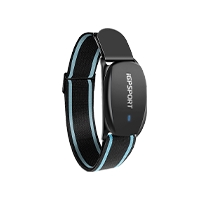
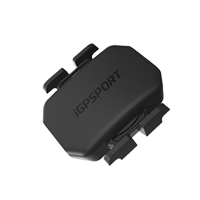
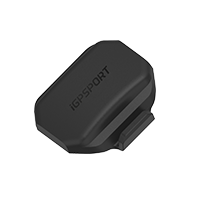
Connect speed, cadence, heart rate and power sensors over ANT+ or BLE. Bring your compatible sensor readings together on your bike computer.
Record your cycling with Insta360 and upload your ride data to the compatible app, bringing the numbers from your ride into your video workflow.
Quickly upload to the iGPSPORT App for secure storage, ride history, detailed data analysis and personalized sharing whenever you want.
Use your bike computer with Strava, Komoot, Ride with GPS, TrainingPeaks, Insta360 and DJI Mimo for compatible ride data syncing.
You might also like
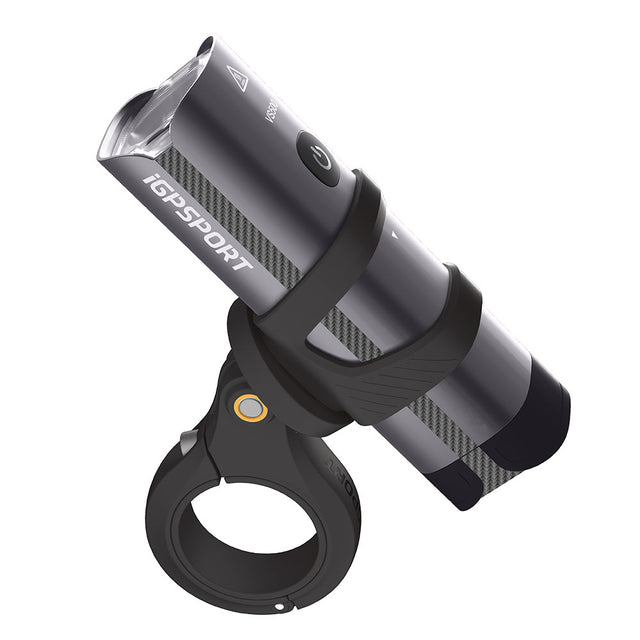
VS500
【Guarding Your Night Riding】 - The 500 lumen bicycle headlight uses the professional TI...
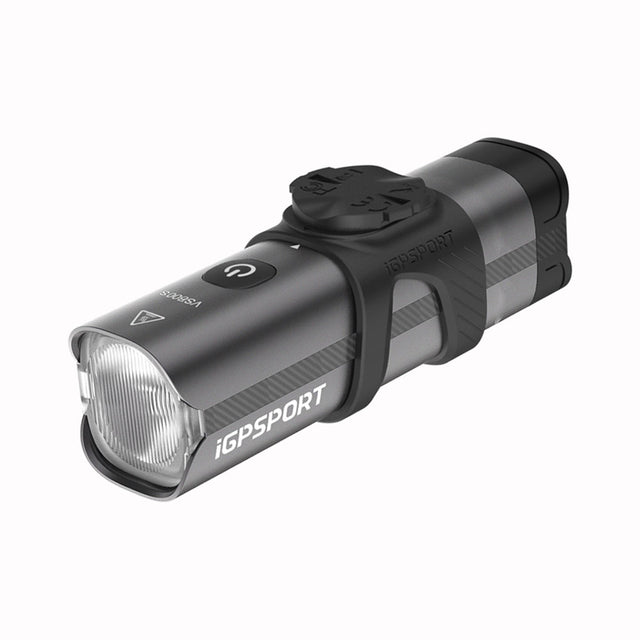
VS800S
【Guarding Your Night Riding】 - The 800 lumen bicycle headlight uses the professional TI...
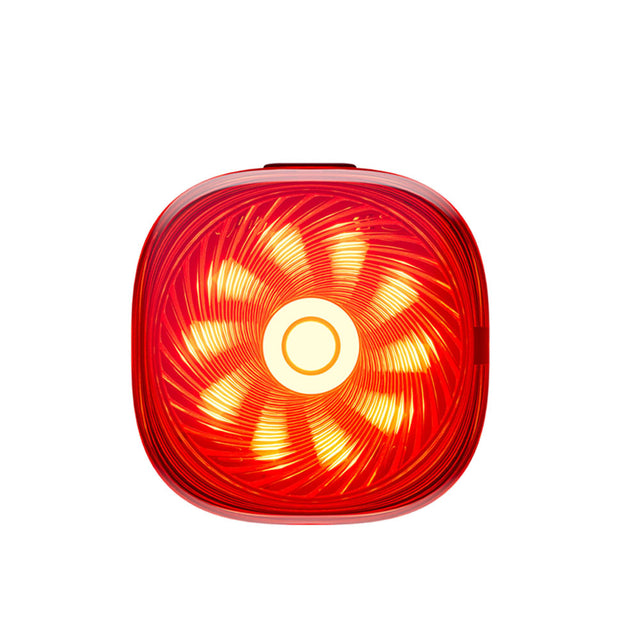
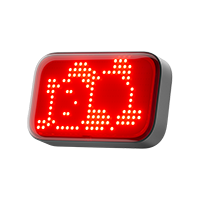
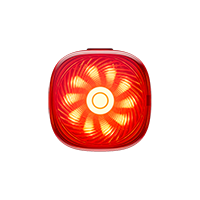
TL50
【Temporary parking, Taillights automatically flash】——When temporarily parking, the tail...

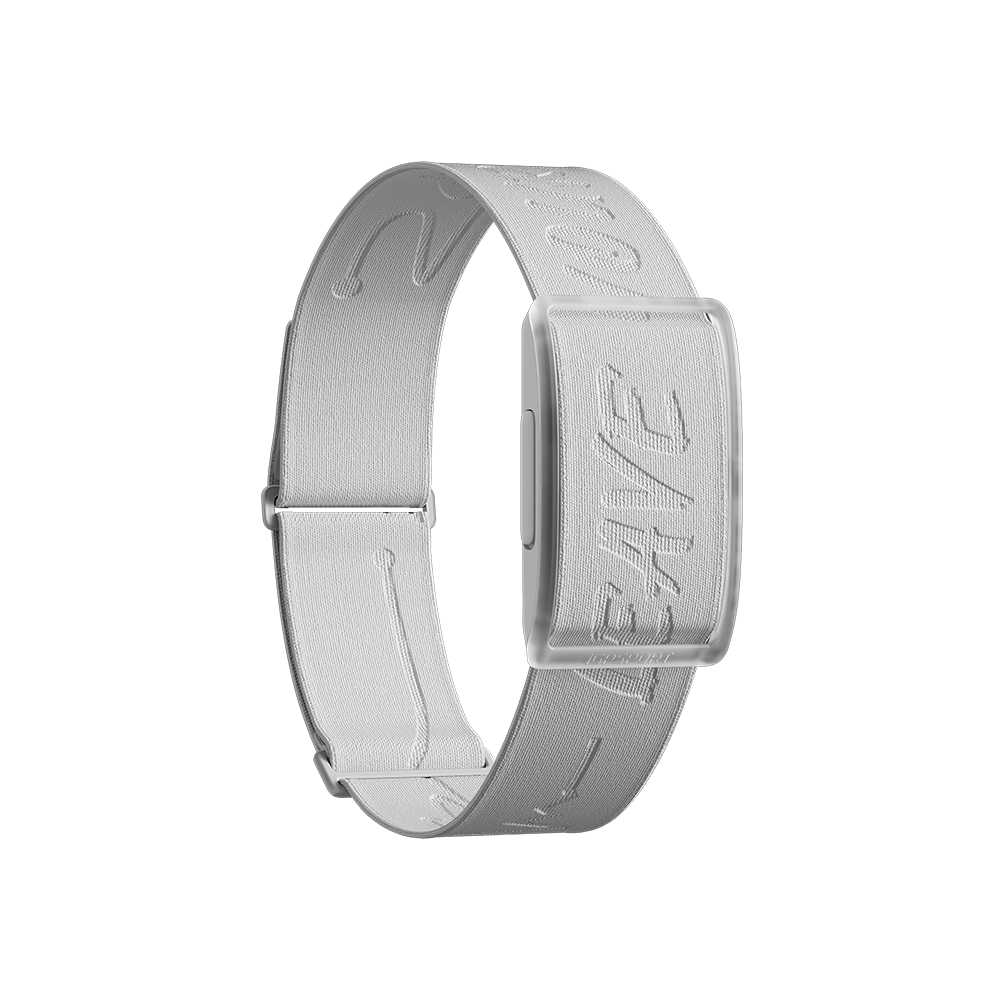
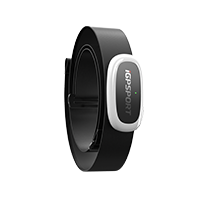
HR50
【Lightweight and Shining Debut】- At just 10.1mm thin, it feels almost invisible to wear...


What's in the Box
Device Only
- BSC100S Bike Computer *1
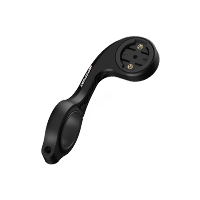
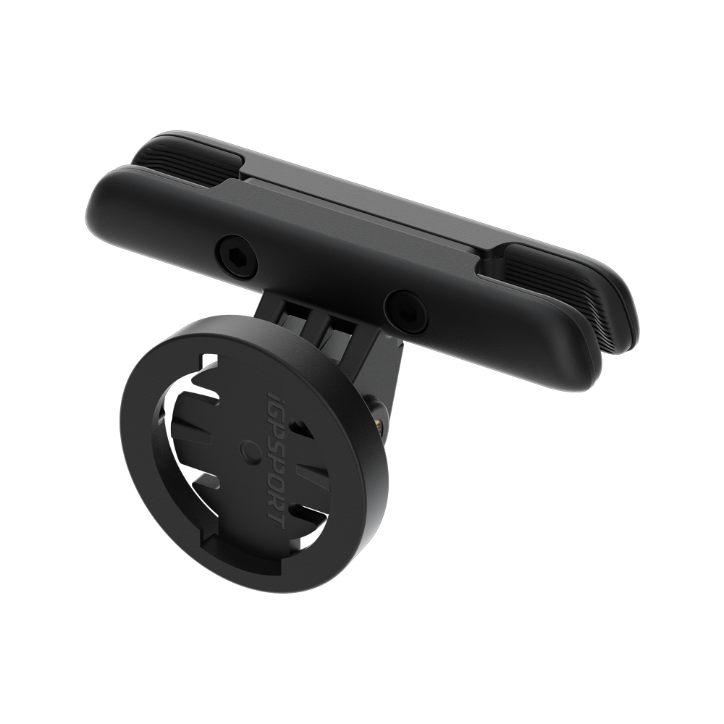
- Standard Bike Mount *1
- Rubber Band *2
- User Manual *1
Bundle
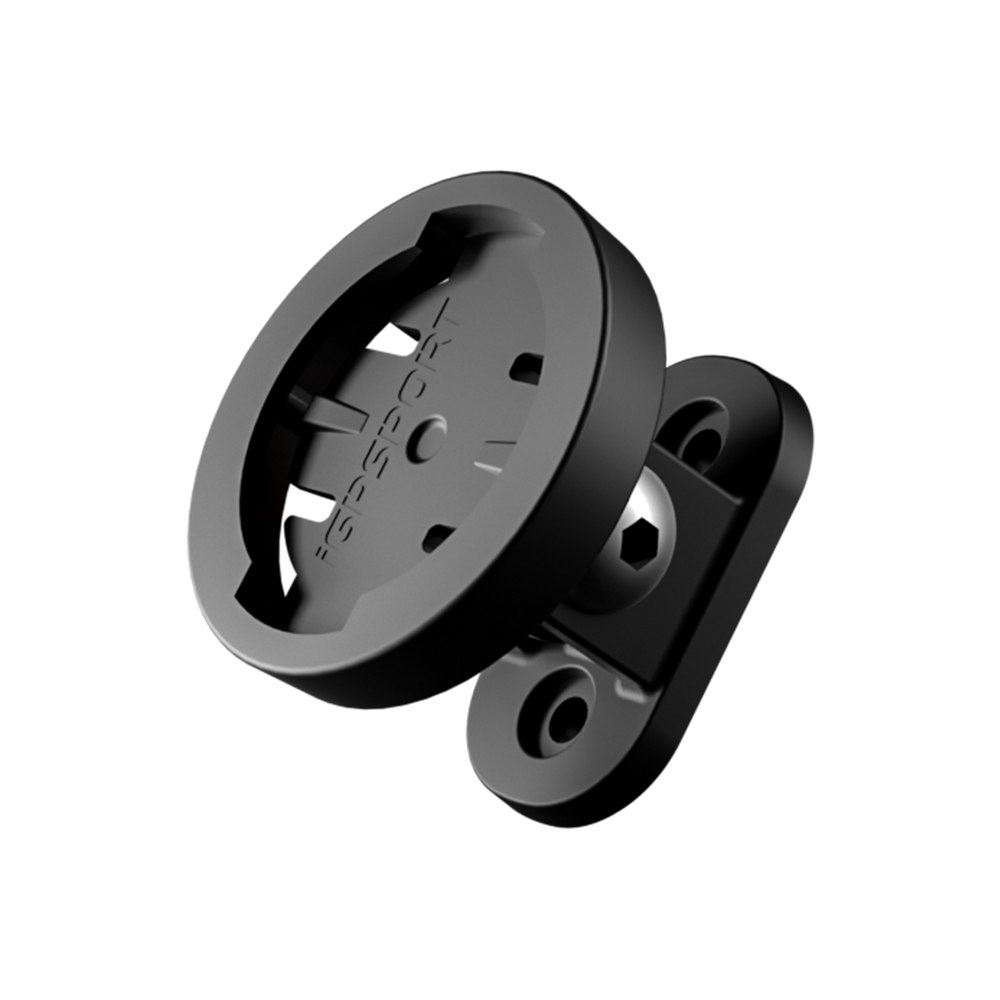
- BSC100S + M80 Mount
- BSC100S + M80 Mount + CAD70 Cadence Sensor + SPD70 Speed Sensor
FAQs
What are the functions of the bike computer’s buttons?
Left Button:
Short press to power on/long press to power off.
Short press to start/pause riding recording.
Double press for manual lap counting.
Right Button:
Short press to switch data pages.
Long press to save the ride record.
Long press (when not in riding record mode) to enter the bike computer settings.
How to use auto functions?
There are 5 auto functions in the ride mode of the bike computer: auto record, auto pause, auto lap, auto page turning, and smart recording.
Automatic record is on to automatically records the speed of the bike computer.
Automatic pause is on to automatically pauses when the speed is 0.
Auto lap has three ways of auto lap counting: by distance, by location, by time, and it can be turned off if it is not needed.
Auto return to the home page function. When the user doesn't set the home page, the first page is defaulted as home page, and no matter what page you turn to in the riding, the device will go back to the home page directly after 10 seconds if the function of auto return to the home page is on.
How to use auto record/auto pause functions?
These functions can be turned on through the bike computer or APP.
APP setting operations
After the bike computer is connected to iGPSPORT APP successfully, open the Device Page>Device Settings>Automatic Settings to turn on auto record and auto pause.
How to use the auto lap function?
Automatic lap counting can be customized to count laps based on distance, time, and location. It can be set in iGPSPORT APP;
iGPSPORT APP: Open Device Page>Ride Mode>Auto Settings>Auto Lap Counting, and set according to your needs.
How to use automatic page turning?
Auto page paging turning can set automatically returning to the home page. If the user switches to a non-home page on the riding page, the page will automatically return to the home page in about 10 seconds.
How to use smart recording?
Smart recording changes the rule of standard recording (1 second/time) and records based on special points of riding or changing points of riding, making the complete record file occupy less memory.
How to set the time zone on the bike computer?
1. Long press the right button after powering on the bike computer to enter the E1 mode. And then short press the right button to switch to the E2 time zone mode.
2. Short press the left button to enter the time zone settings.
3. Short press the left button to switch different positions for editing the time zone value. Short press the right button to modify the time zone value.
4. The hour zone increases by 1 hour for each press, and the minute zone increases by 15 minutes for each press.
5. Once the time zone is set, press and hold the right button to save and exit. (Settings will be automatically saved and exited if there is no button operation for 10 seconds.)
Note
When the bike computer is connected to the APP, the APP will synchronize the time zone from the phone to the bike computer.
How to sync data from BSC100S to Strava/Training Peaks?
Open APP>My>Associate Third-party Applications and bind Strava/Training Peaks to iGPSPORT APP. A green √ mark will be displayed after successful binding.
After BSC100S connects to iGPSPORT APP, it will upload new data to the APP. After the data is uploaded to iGPSPORT APP, it will automatically synchronize the data to Strava/Training Peaks.
If Strava/Training Peaks and iGPSPORT APP are successfully bound and the data is not synchronized
1. Please rebind it first and wait for 30 minutes. If the data upload is successful , it may be a caching problem.
2. If the data is still not synchronized to Strava/Training Peaks, Please contact service@igpsport.com to inquire about resolving the issue.
